Solar Security Camera FAQ: Quick Answers to What Customers Ask Most
Quick answers to the solar camera questions customers ask most: night, rain, SIMs, storage, resolution, privacy, and what to do when one drops offline.
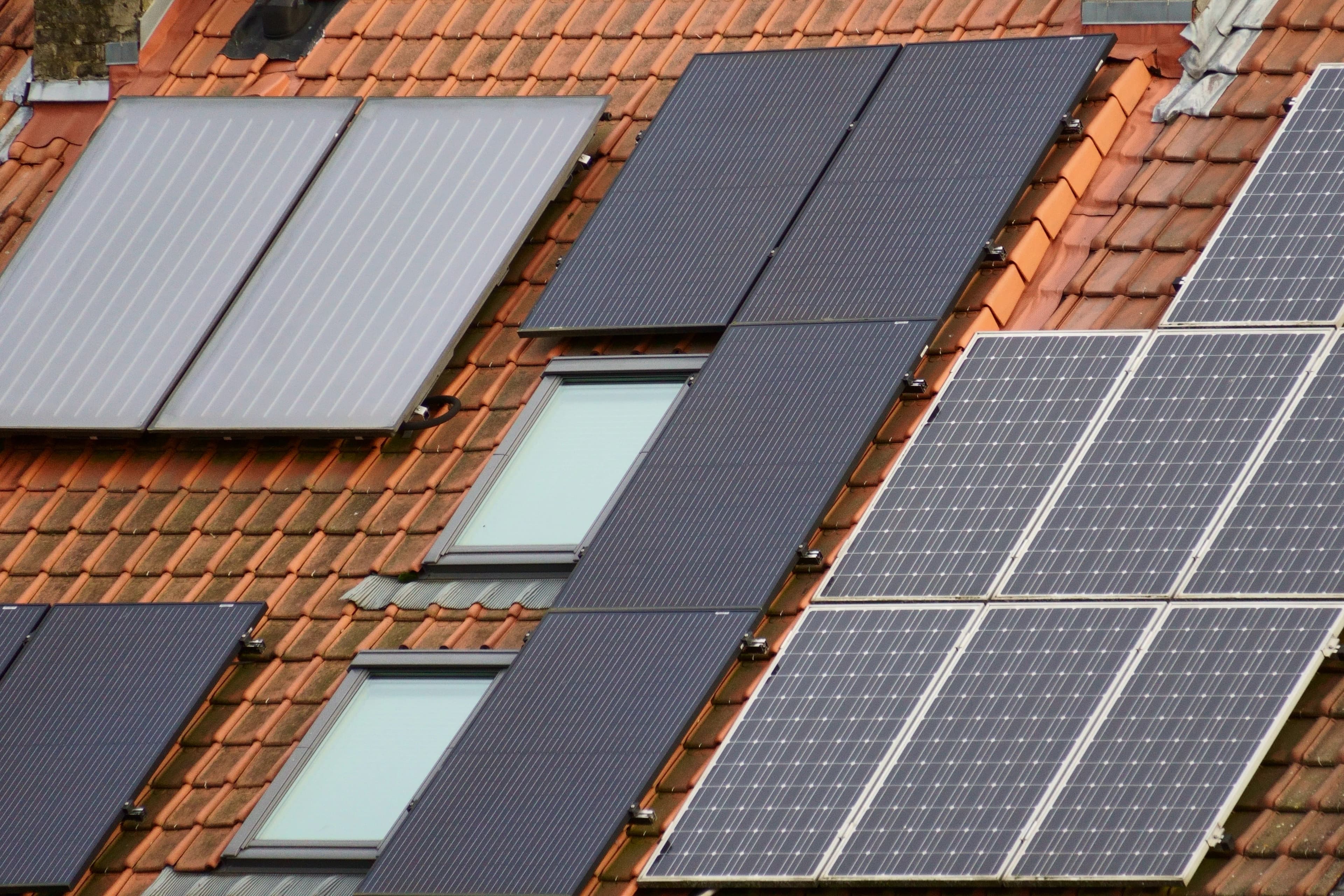
What matters in practice:
- Night and rain are not the problem. A full battery and a clean, sunlit panel are what keep a solar camera alive.
- Motion recording saves power, and 3 to 4MP suits most homes and farms. Mains cameras remain the choice for non-stop recording.
- When a camera drops offline, check the panel, then the signal, then the battery — in that order.
These are the questions customers ask us most often before buying a solar camera. If yours isn't here, send it to us and we'll add it.
Frequently asked questions
Does a solar camera work at night? Yes. It runs from its battery, which the panel charges during the day.
Does it work when it's cloudy or raining? Yes, with slower charging. A full battery covers several dull days, depending on its size and how much the camera is used. See our article on cloudy weather and night performance.
Does it record all the time? Most solar cameras record when they detect motion, to save power. If you need constant recording, a mains camera is the better choice.
Do I need WiFi? Only for WiFi models. 4G models use a SIM card and a mobile signal.
Do I need a SIM card and a data plan? For 4G models, yes. Check that the camera supports your network, and choose a data plan that fits how you will view footage.
Which is better, 4G or WiFi? WiFi if your router reaches the spot strongly. 4G if it doesn't or you have no internet.
Where does the footage go? Usually onto an SD card in the camera, with an optional cloud service. Confirm what is included before you buy. If you plan to keep footage on a recorder as well, size the storage first.
Can it be stolen? Any outdoor camera can be. Mount it high, use secure fixings, and consider cloud backup so you keep footage even if the camera disappears.
How often do I clean the panel? About once a month, or more often if it is dusty or birds roost nearby.
How long does the battery last? Between charges, it depends on use. Overall, a few years in normal use. See our battery article.
Can I add more cameras later? Yes. Most systems let you add cameras to the same app.
What resolution should I choose? 3 to 4MP suits most homes and farms. See our resolution guide.
Can I watch live from my phone? Yes, but live viewing drains the battery and, on 4G, uses mobile data. Use it when needed and not all day.
Can I talk through the camera? Many models have two-way audio. Check the spec.
Do I need an electrician? No, since no mains wiring is needed. You will need to mount the camera and panel securely.
What if the camera goes offline? Check the panel for shade and dirt, then check signal and battery. See our installation mistakes article.
Is it legal to record on my property? Generally you can record your own property, but rules on audio, signs and neighbours' privacy vary. See our privacy guide.
What if my question isn't here? Send us your property details and we'll answer it.
Related reading: Solar Security Cameras for Your Home or Farm: Which One Do You Need? | 4G or WiFi Solar Camera: Which Fits Your Property? | Seven Installation Mistakes That Make Solar Cameras Go Offline
Backspace Business Solutions answers these questions every week while installing CCTV and biometric solutions across Uganda.
Send us your question on WhatsApp or request a free site assessment, and an engineer will answer it for your property rather than in general.
Frequently Asked Questions
How many cameras do I need for my business premises?▼
What is the difference between IP and analog CCTV systems?▼
How long is CCTV footage typically stored?▼
Can I access my CCTV cameras remotely?▼
What resolution should I choose for my security cameras?▼
Continue reading
More articles in CCTV & Surveillance →Not sure which of this applies to you?
Reading about a problem is not the same as knowing what yours actually is. The Solution Advisor asks a few questions about your environment and gives you a preliminary technical interpretation — what to check first, and what can probably wait.
Follow Backspace
Field notes from live projects in Kampala and beyond — new guides, failure post-mortems and pricing updates. Pick the channel you use.


