Seven Installation Mistakes That Make Solar Cameras Go Offline
Seven installation mistakes that starve solar cameras of power or signal — with the symptoms, fixes and a pre-install checklist that prevents them.
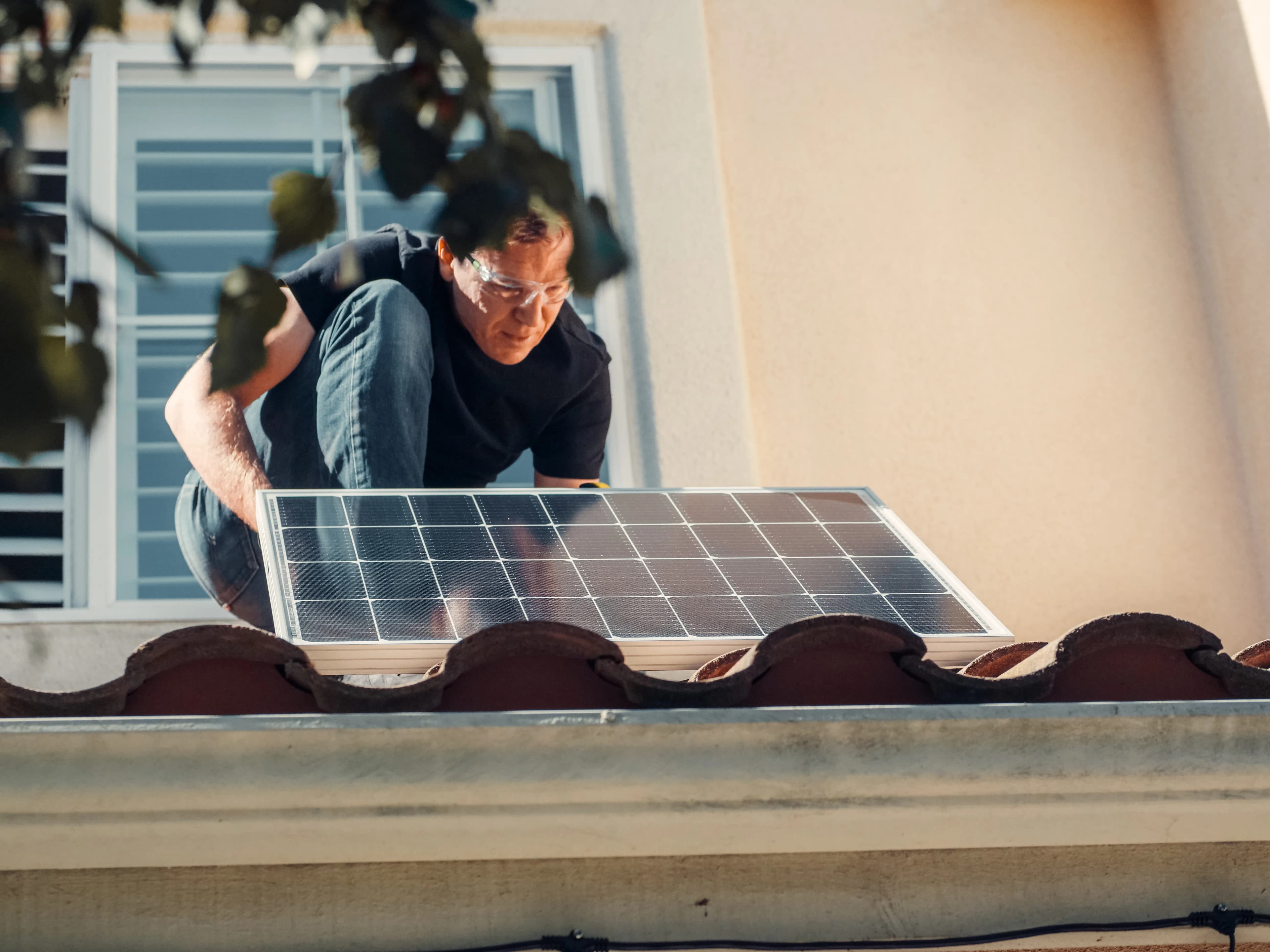
What matters in practice:
- Shade is the number one cause of "dead" solar cameras. Watch the spot through the day before you fix anything there.
- Test signal before you drill, lower motion sensitivity, and clean the panel about once a month.
- Mount at about 3 metres with tamper-resistant fixings — and charge the battery fully before installing.
Most "faulty" solar cameras are not faulty. They are installed in a way that starves them of power, signal or both. The camera works perfectly for a week, then slowly dies, and the customer blames the product. These seven mistakes cause most of those problems.
The short answer
Keep the panel in direct sun, test the signal before you drill, lower motion sensitivity, clean the panel, and mount the camera high and secure.
1. Putting the panel in the shade
This is the number one cause. Even partial shade for most of the day can starve the battery. A shaded corner under a roof edge, behind a tree or beside a tall wall may look fine at noon and be dark for most of the day. Watch the spot at different times before you fix anything, and put the panel where it gets direct sun for as many hours as possible.
2. Not testing the signal first
For 4G, check the mobile signal at the exact mounting spot and height. For WiFi, test your router's strength there. A camera never has a better signal than your phone. Test before you drill.
3. Aiming the panel the wrong way
The panel should face the brightest part of the sky across the day, not just look at the wall behind it. Depending on where you live, that may mean a slight tilt upward or toward the sun's main path. Check the manufacturer's advice for your region.
4. Never cleaning the panel
Dust, bird droppings, pollen and soot can cut charging significantly. Wipe the panel gently with a damp cloth about once a month, and more often in dusty or bird-heavy areas.
5. Over-sensitive motion settings
Wind, trees, insects, shadows and passing traffic wake the camera over and over, draining the battery and filling your phone with alerts. Lower the sensitivity and draw detection zones around the area that really matters.
6. Leaving power-hungry features on all the time
Spotlights, sirens, colour night vision, long live view and constant high-quality streaming all drain the battery. Use them where they matter, and use infrared and short clips elsewhere.
7. Mounting too low or within easy reach
Cameras at head height get knocked, covered, stolen or sprayed. Mount at about 3 metres, use secure fixings, and keep the panel and cable out of easy reach.
Bonus mistake: a bad SD card
Use a good high-endurance card made for constant writing, and format it in the camera. A cheap card can fail without warning and you won't know until you need the footage.
How to tell which mistake you made
| Symptom | Likely cause |
|---|---|
| Battery drops steadily, even in sunny weeks | Shaded panel, dirty panel or too many triggers |
| Offline for hours, then back | Weak signal at the spot |
| Lots of alerts, no real events | Motion sensitivity too high |
| Footage missing | SD card failure or full card |
| Panel works but battery stays low | Heavy features always on |
Quick pre-install checklist
- Battery fully charged before mounting
- Signal strength tested at the spot and height
- Panel in direct sun, angled correctly, away from shade
- SD card inserted and tested
- Motion zones and sensitivity set
- Test clip recorded and viewed on your phone
- Bracket and screws secured and tamper-resistant
After the first week
Check the battery level and the number of alerts. If the battery is falling and alerts are high, reduce sensitivity first, then review the panel position.
Frequently asked questions
Should I charge the camera before installing? Yes. Start with a full battery so the panel isn't catching up from day one.
How often should I check the camera? Look at the battery level and a test clip weekly for the first month, then monthly.
Can I fix poor signal with an antenna? Some 4G models allow an external antenna. Ask before you buy.
If it still goes offline after these checks, send us your install details and we'll help work out why.
Related reading: Will a Solar Camera Work on Cloudy Days and at Night? | How Long Does a Solar Camera Battery Last, and When Should You Replace It? | Solar Camera vs Solar Kit With a Separate Panel: Which Is Better?
Backspace Business Solutions installs CCTV and biometric solutions the way this checklist describes — tested before we leave.
Request a free site assessment or message us on WhatsApp with photos of the spot and the battery level, and we'll help work out why it keeps dropping.
Frequently Asked Questions
How many cameras do I need for my business premises?▼
What is the difference between IP and analog CCTV systems?▼
How long is CCTV footage typically stored?▼
Can I access my CCTV cameras remotely?▼
What resolution should I choose for my security cameras?▼
Continue reading
More articles in CCTV & Surveillance →Not sure which of this applies to you?
Reading about a problem is not the same as knowing what yours actually is. The Solution Advisor asks a few questions about your environment and gives you a preliminary technical interpretation — what to check first, and what can probably wait.
Follow Backspace
Field notes from live projects in Kampala and beyond — new guides, failure post-mortems and pricing updates. Pick the channel you use.


