Will a Solar Camera Work on Cloudy Days and at Night?
Do solar cameras survive cloudy days and nights? How batteries, panels and placement decide whether yours keeps running — and how to check yours.
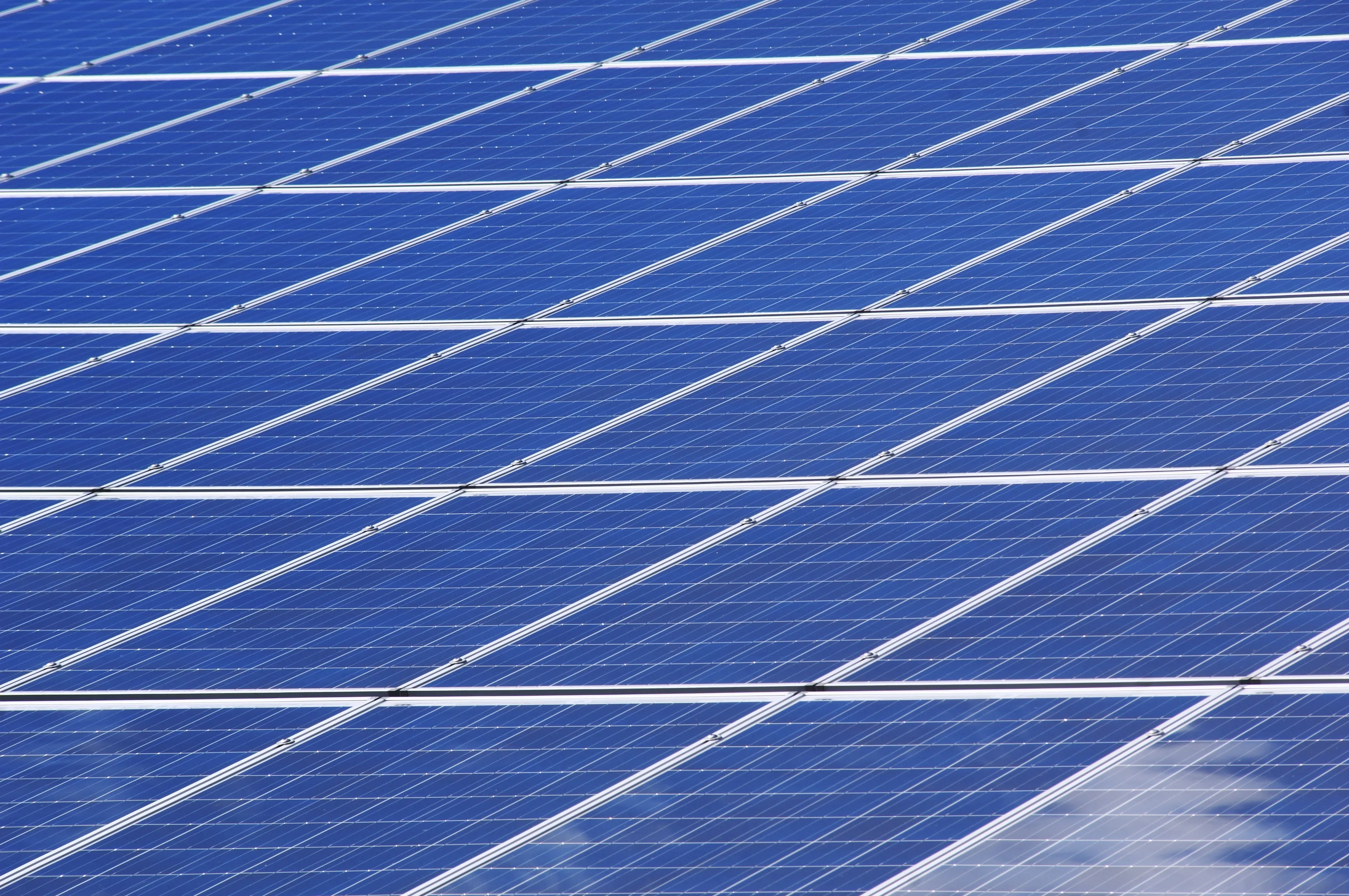
What matters in practice:
- The camera runs on its battery, not on the panel. The panel's job is to refill that battery over time.
- Shade is the biggest killer. Charge the battery fully before mounting, and give the panel as many hours of direct sun as possible.
- Watch the first week: battery level falling week after week, or offline after two dull days, means the panel position or the settings need changing.
This is the number one worry customers have, and it is a fair one. Nobody wants to install a camera that goes dead after three days of rain. Here is how solar cameras actually behave, and what decides whether yours keeps running.
The short answer
Yes, on most properties. The camera runs on its battery, not directly on the panel. The panel's job is to refill the battery over time. A well-sized battery covers the nights and the dull days, as long as the panel gets enough daylight on average.
At night
The camera runs on stored battery power. Night vision, motion detection and recording all work from the battery. The panel isn't needed at night, so night-time is rarely the problem.
On cloudy and rainy days
The panel still charges, just more slowly. A cloudy day gives you a fraction of the charge of a sunny day. A few dull days in a row is usually fine if the battery started full. A long rainy spell is where small batteries or busy cameras run down.
What actually decides whether it keeps running
| Factor | Why it matters |
|---|---|
| Battery size | A bigger battery holds more days of power with no sun |
| Panel size and quality | A bigger panel recovers faster after dull weather |
| How busy the view is | A camera watching a road wakes constantly, while one on a quiet fence rarely does |
| Features switched on | Spotlight, siren, colour night vision and long live view all drain faster |
| Panel placement | Shade is the biggest killer |
| Heat | Very hot climates can reduce battery capacity over time |
A simple way to think about it
Imagine the battery as a water tank and the panel as a tap that drips in daylight. Every wake-up, recording and live view lets some water out. If the tap refills the tank faster than the camera drains it, the camera runs forever. If the camera drains it faster than the tap fills it, the tank slowly empties, whatever the weather.
Placement rules that make the biggest difference
- Put the panel where it gets direct sun for as many hours of the day as possible
- Keep it clear of trees, roof overhangs and walls that cast shade
- Tilt it toward the brightest sky. Near the equator the sun is high at midday, so a panel with a slight tilt and a clear view of the open sky works well
- Mount it high enough that dust and splashes don't coat it
- If the camera has to sit in shade, use a model with a separate panel on a cable
Settings that stretch the battery
- Lower the motion sensitivity so leaves and passing traffic don't trigger it
- Set detection zones so only the area you care about triggers recordings
- Use infrared night vision instead of the spotlight where you don't need colour
- Keep clip lengths sensible
- Avoid leaving live view open for long periods
Warning signs of a poorly matched setup
- Battery level falls week after week even in sunny weather
- The camera goes offline after two or three dull days
- Constant motion alerts from a busy street or swaying plants
If you see these, the fix is nearly always a better panel position, lower sensitivity, or a larger battery.
Before you buy, ask the seller
"How many days will this run with no sun at normal use?" and "How big is the panel?" If they can't answer clearly, be careful.
Frequently asked questions
Does a cloudy day stop charging completely? No. Charging continues at a reduced rate.
Do I need to charge it first? Yes. Fully charge the battery before mounting it, so it starts with a full tank.
Can I add a bigger panel? Sometimes. It depends on the model and its connector, so ask before buying.
Related reading: Seven Installation Mistakes That Make Solar Cameras Go Offline | How Long Does a Solar Camera Battery Last, and When Should You Replace It? | Solar Camera vs Solar Kit With a Separate Panel: Which Is Better?
Backspace Business Solutions installs CCTV and biometric solutions for homes, farms and businesses across Uganda.
Request a free site assessment or message us on WhatsApp with a photo of the spot, and we'll tell you honestly whether solar will hold there.
Frequently Asked Questions
How many cameras do I need for my business premises?▼
What is the difference between IP and analog CCTV systems?▼
How long is CCTV footage typically stored?▼
Can I access my CCTV cameras remotely?▼
What resolution should I choose for my security cameras?▼
Continue reading
More articles in CCTV & Surveillance →Not sure which of this applies to you?
Reading about a problem is not the same as knowing what yours actually is. The Solution Advisor asks a few questions about your environment and gives you a preliminary technical interpretation — what to check first, and what can probably wait.
Follow Backspace
Field notes from live projects in Kampala and beyond — new guides, failure post-mortems and pricing updates. Pick the channel you use.


