The Homeowner's Guide to CCTV Storage: DVR, NVR, SD Card or Cloud?
Compare DVR, NVR, SD card and cloud storage for home CCTV, with pros and cons, security notes, a cost snapshot and a hybrid setup that works.
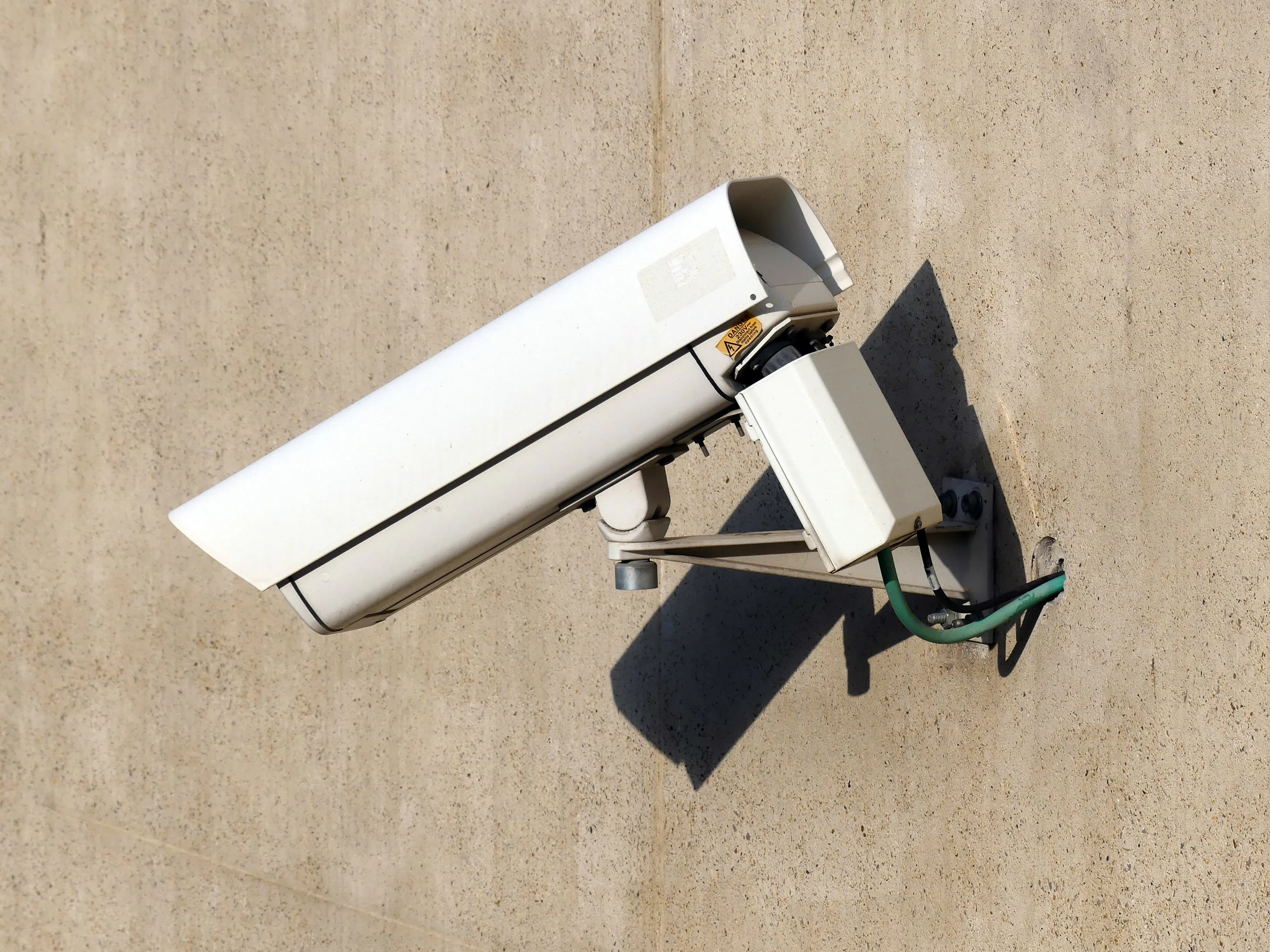
What matters in practice:
- An NVR with a surveillance drive gives the best value for four or more cameras — full-time footage, no monthly fees, and nothing to lose if a memory card fails.
- Cloud clips are a backup, not a plan. Monthly fees add up, upload speed limits what you can send, and footage sits with a third party.
- Where the recorder sits decides how it can be stolen. Hide and lock it away, change the default password, and keep an off-site copy of anything that matters.
Where your camera footage is stored affects its cost, reliability and security. Homeowners generally choose between four options.
1. DVR (Digital Video Recorder)
A DVR connects to analogue or HD-over-coax cameras and records to an internal hard drive.
- Pros: Inexpensive, reliable, no monthly fees, large storage.
- Cons: Needs cabling to each camera, and the recorder itself can be stolen.
- Best for: Budget systems and homes with existing coaxial cabling.
2. NVR (Network Video Recorder)
An NVR records IP cameras over your network, often using PoE (power over ethernet) for a single cable per camera.
- Pros: Higher resolution, simpler wiring, flexible camera placement, easy remote viewing.
- Cons: Slightly higher cost than a DVR.
- Best for: New installations and anyone who wants 4K or smart detection. If you are still choosing cameras, our Hikvision vs Dahua comparison covers the two brands most homeowners end up comparing.
3. SD card in the camera
Many Wi-Fi cameras record to a microSD card.
- Pros: Cheapest option, no recorder needed.
- Cons: Small capacity, limited lifespan from constant overwriting, and the footage is lost if the camera is stolen.
- Tip: Use a high-endurance card made for dashcams and cameras.
- Best for: One or two cameras and short retention.
4. Cloud storage
Footage is uploaded to the provider's servers.
- Pros: Footage survives theft or damage to the cameras, and access is easy from anywhere.
- Cons: Monthly fees, depends on your internet upload speed, and footage sits with a third party.
- Best for: Anyone who wants an off-site copy of important events.
Which should you choose?
| Situation | Suggested setup |
|---|---|
| 1–2 cameras, low budget | SD card, plus optional cloud clips |
| 4–8 cameras, long retention | NVR with a surveillance drive |
| Worried about theft of the recorder | NVR in a locked, hidden spot, plus cloud backup of events |
| Renting or no wiring possible | Wi-Fi cameras with SD and cloud |
A sensible hybrid
For most homes, the best approach is local recording on an NVR for full-time footage, with motion clips copied to the cloud for off-site safety. You get low running costs and protection against theft.
Tips for homeowners
- Hide the recorder out of sight and lock it away.
- Use a surveillance-rated drive and size it using how much storage do you need for your CCTV system.
- Change default passwords and keep firmware updated.
- Test playback now and then.
Security considerations for each option
Where footage lives also decides how it can be attacked or lost.
- DVR and NVR: Change the default password immediately, update the firmware, and avoid exposing the recorder directly to the internet. Use the manufacturer's secure remote-access feature or a VPN rather than opening ports on your router.
- SD card: Anyone who takes the camera takes the footage. Place cameras out of easy reach and enable any "encrypt storage" option offered.
- Cloud: Choose a reputable provider, enable two-factor authentication, and read how long footage is kept and where it is stored.
A rough cost snapshot for a typical home
Prices vary by country and brand, so use these as a planning guide only.
| Option | Upfront | Ongoing | Notes |
|---|---|---|---|
| SD card, 2 cameras | Low | None to low | Replace cards every year or two |
| 4-camera NVR kit with drive | Medium | None | Best value for continuous recording |
| Cloud-only plan, 4 cameras | Low | Monthly fee per camera | Cost adds up over several years |
| NVR plus cloud clips | Medium | Small monthly fee | Strongest protection overall |
Questions homeowners often ask
Do I need an internet connection for recording? No. Local recorders keep recording without it. You only need internet for remote viewing and cloud features.
What if I rent? Wi-Fi or battery cameras with SD cards or cloud plans avoid drilling and long cable runs, and they travel with you when you move.
How do I stop a burglar taking the footage? Hide the recorder in a locked cupboard away from the cameras' view, and send motion clips to the cloud so an off-site copy exists.
The bottom line
For reliable long-term footage, an NVR with a proper surveillance drive remains the best value. Add cloud clips if you want peace of mind off site. Once you have chosen, how long should you keep home CCTV footage sets a sensible retention period.
Next Steps
Backspace Business Solutions installs home and office systems built around CCTV and biometric solutions, including the recorder, drives and remote access setup.
Message us on WhatsApp or request a free site assessment and we will recommend a storage setup that fits your home, budget and how long you want to keep footage.
Frequently Asked Questions
How many cameras do I need for my business premises?▼
What is the difference between IP and analog CCTV systems?▼
How long is CCTV footage typically stored?▼
Can I access my CCTV cameras remotely?▼
What resolution should I choose for my security cameras?▼
Continue reading
More articles in CCTV & Surveillance →Not sure which of this applies to you?
Reading about a problem is not the same as knowing what yours actually is. The Solution Advisor asks a few questions about your environment and gives you a preliminary technical interpretation — what to check first, and what can probably wait.
Follow Backspace
Field notes from live projects in Kampala and beyond — new guides, failure post-mortems and pricing updates. Pick the channel you use.


