Wireless Camera Kits vs Single Cameras: Which Should You Buy?
One camera or a kit with a recorder? What is in a kit, what to check before buying, and the gotchas that leave no room to grow.
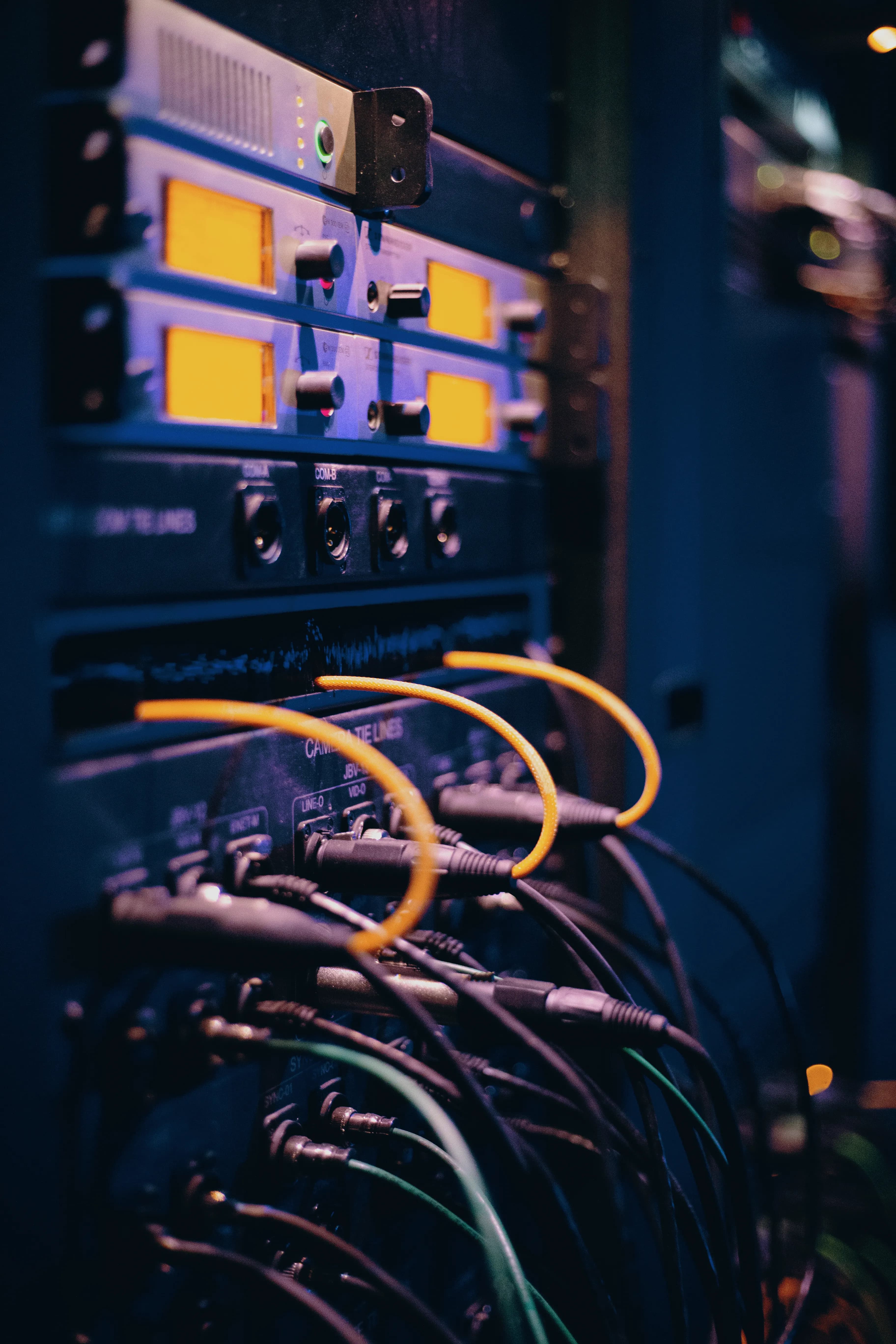
What matters in practice:
- One or two cameras: buy singles. Three or more, or a business: a kit with a recorder — cheaper per camera, and footage stays in one safe place.
- Buy a recorder with spare channels — replacing the whole system to add one camera is the commonest regret.
- Check what the kit omits — drive size, power supplies and mounting are not always included.
You can buy cameras one at a time, or as a kit with a recorder. Both are good. The question is which suits your property, and which will still suit it in a year when you want to add another camera.
The short answer
One or two cameras at a home: buy single cameras. Three or more cameras, or a business: a kit with a recorder is usually better value and easier to manage.
What is in a kit?
A typical kit has several cameras, a recorder (NVR or DVR) with a hard drive, power supplies, cables and sometimes a monitor. Some "wireless kits" connect cameras to the recorder over WiFi, but the cameras still need power. Others connect by cable.
Side by side
| Single cameras | Kit with recorder | |
|---|---|---|
| Best for | 1 to 2 cameras, homes | 3 or more cameras, shops, farms |
| Storage | SD card or cloud | Hard drive in the recorder |
| Viewing | Phone app | Phone app and a screen |
| Footage safe if a camera is stolen | No (the SD card is inside) | Yes |
| Expandable | Easy to add one at a time | Limited by recorder channels |
| Cost | Lower to start | Higher, but cheaper per camera |
| Setup | Each camera set up separately | One system, one login |
| Brand mixing | Often possible between app families | Usually works best within one brand |
Choose single cameras if
- You only need one or two spots covered
- You want the simplest possible setup
- You rent or may move
- You prefer no recorder to hide and maintain
Choose a kit if
- You have three or more cameras
- You want footage stored safely in one place
- You want to review footage on a screen
- You run a business or farm
- You want a single app and a single login for everything
What to check before you buy a kit
- Channels: how many cameras the recorder supports, so you have room to grow
- Hard drive: the size, and whether it is included
- Camera connection: whether cameras use WiFi, or still need cables to the recorder
- Power: whether each camera needs its own power supply, or gets power through the cable (PoE)
- Resolution: whether the recorder supports the resolution you want
- App: whether the phone app works well and is supported
- Compatibility: whether you can add other cameras of the same brand later
Hidden gotchas
- A recorder with exactly the number of channels you need leaves no room to add a camera
- Some cheap kits include a small hard drive that fills quickly
- Some wireless kits need cameras very close to the recorder to work well
- Cameras in a kit may only work with that kit's recorder
Example choices
| Situation | Suggestion |
|---|---|
| Flat with one door to watch | One single camera |
| House with front, back and gate | Two to three single cameras, or a small kit |
| Shop with five spots to cover | A kit with an eight-channel recorder |
| Farm yard with several buildings | A kit, plus solar cameras for the gates |
Common mistakes
- Buying a four-channel kit and needing five cameras
- Choosing a kit with cameras that can't be mounted where you need them
- Putting the recorder in an easy-to-find place
Frequently asked questions
Can I add a different brand of camera to my recorder? Often yes if both support a common standard such as ONVIF, but check before buying.
Do kits need an internet connection? Only for remote viewing. Recording works locally.
Is an NVR or DVR better? NVRs work with network (IP) cameras, which are the modern standard. DVRs work with older analogue cameras.
Our advice
If you are unsure, start with a recorder that has spare channels. It is easier than replacing everything later.
Related reading
- Storage: SD Card, NVR or Cloud?
- How Many Security Cameras Does Your Property Need?
- Wireless vs Wired Cameras: When Each Is the Right Choice
Next steps
Backspace Business Solutions builds and configures CCTV kits and recorders with the channels and drives sized for the year after next, not just for today.
Message us on WhatsApp or request a free site assessment if you would like a kit sized for your property and your storage days.
Frequently Asked Questions
How many cameras do I need for my business premises?▼
What is the difference between IP and analog CCTV systems?▼
How long is CCTV footage typically stored?▼
Can I access my CCTV cameras remotely?▼
What resolution should I choose for my security cameras?▼
Continue reading
More articles in CCTV & Surveillance →Not sure which of this applies to you?
Reading about a problem is not the same as knowing what yours actually is. The Solution Advisor asks a few questions about your environment and gives you a preliminary technical interpretation — what to check first, and what can probably wait.
Follow Backspace
Field notes from live projects in Kampala and beyond — new guides, failure post-mortems and pricing updates. Pick the channel you use.


