The True Cost of Losing CCTV Footage
What lost CCTV footage really costs a business: insurance, liability claims, theft and disputes, plus how much a reliable storage setup actually costs.
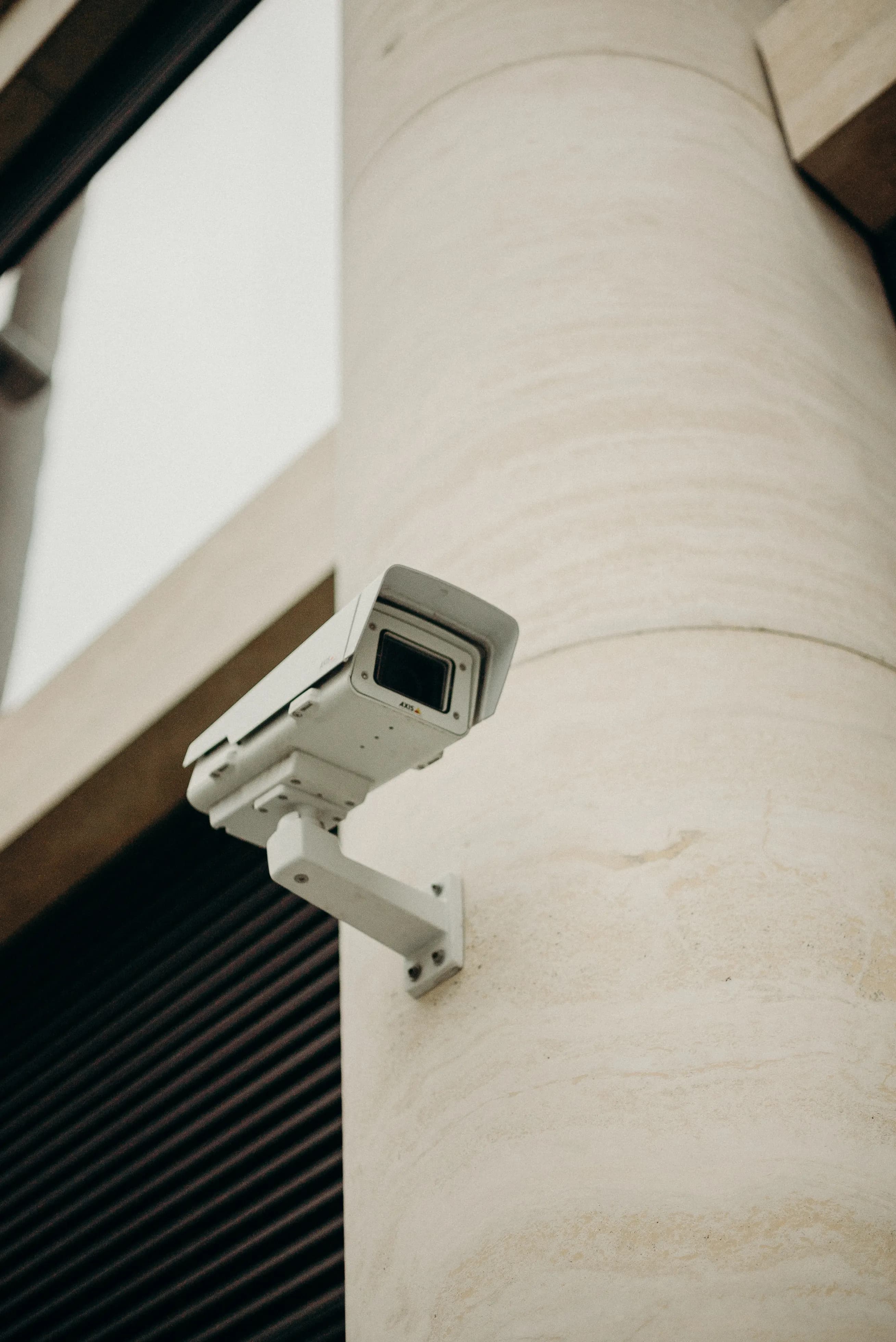
What matters in practice:
- Missing footage weakens claims. Insurers and claimants can dispute or reduce payouts when the video that would have settled the matter is gone.
- Protection costs a fraction of one excess. A surveillance drive, a second drive, a UPS and cloud clips together cost far less than a refused claim.
- Losses are rarely dramatic. Overwritten footage, unnoticed drive failure and a stolen recorder account for most of it.
The price of a surveillance drive is small. The cost of not having footage when you need it can be large.
Where lost footage hurts
Insurance claims. After a theft or break-in, insurers often ask for evidence. Missing footage can slow or reduce a payout, or give grounds to dispute it.
Liability claims. In slip-and-fall or injury claims, footage can show what really happened. Without it, you may be unable to disprove an exaggerated or false claim.
Staff and customer disputes. Footage settles arguments about conduct, handling of cash, refunds and complaints quickly and fairly.
Theft and fraud. Internal theft is often noticed late. If your retention is too short or the drive has failed, the evidence may be gone.
Police investigations. Clear, timely footage speeds up cases. Gaps, poor quality or lost data reduce what you can offer.
Reputation and trust. Being unable to answer a customer's or partner's question with evidence reflects badly on a business.
A simple way to estimate the risk
Ask yourself:
- What is the value of the stock, cash and equipment on site?
- What is your insurance excess, and what happens if a claim is refused?
- How often do you have incidents, disputes or chargebacks?
- What would a single lost investigation cost in time and money?
Compare those figures to the price of a surveillance drive, a second drive, a UPS or an off-site backup. The comparison usually settles the question.
Why footage gets lost
- Drive failure that went unnoticed.
- Footage overwritten before anyone looked.
- Recorder stolen or damaged in the same incident.
- Power loss or corruption.
- Recording stopped because of a setting change.
- Wrong date and time on the recorder.
How to protect yourself
- Use surveillance-rated drives and replace them every 3–5 years — see surveillance vs desktop drives.
- Check playback weekly, including a clip from several days back.
- Set up alerts for disk errors, video loss and recording failure.
- Add redundancy (RAID) for important systems — see RAID, NAS or NVR.
- Keep an off-site or cloud copy of key events.
- Lock the recorder away and fit a UPS.
- Document who can export footage and how.
An illustrative example
A small retailer suffers a break-in. The thieves take stock worth $8,000 and damage the door. The insurer asks for CCTV showing the entry. The recorder was stolen and the drive had been failing for weeks, so there is no footage at all. The insurer delays the claim and applies a higher excess because the security measures stated on the policy were not working. The owner spends days on paperwork, loses sales while the shop is closed, and later pays far more than a second drive and a cloud backup would have cost.
This is an invented example, but it mirrors problems businesses report regularly.
What a good storage setup costs
| Protection | Rough cost | What it prevents |
|---|---|---|
| Surveillance-rated drive | Low | Early failure and recording gaps |
| Second drive or RAID 1 | Low to medium | Single-drive failure |
| UPS | Low | Power-related corruption |
| Cloud backup of events | Low monthly fee | Loss when the recorder is stolen |
| Locked, hidden cabinet | Low | Easy theft of the recorder |
| Monitoring and alerts | Usually free | Unnoticed failures |
Together these usually cost a small fraction of a single insurance excess or lost claim.
Questions to ask your installer
- How long can the system record at current settings?
- What happens if a drive fails, and will I be alerted?
- Where is the recorder kept, and could it be stolen?
- Is there an off-site copy of important footage?
- Who is responsible for checking and replacing drives?
Build a simple response plan
Write a one-page plan covering who exports footage after an incident, where exports are saved, who to call (installer, insurer, police), and how long the original footage is kept. When an incident does happen, a plan saves time at a stressful moment.
The bottom line
The cheapest part of the security system is often the one that decides whether it works. Spend a little on reliable storage and routine checks.
Next Steps
Backspace Business Solutions builds systems around CCTV and biometric solutions that are designed to still have the footage when you need it — correct drives, redundancy, alerts and backup.
Message us on WhatsApp or request a free site assessment and we will show you where your current setup is exposed before it costs you a claim.
Frequently Asked Questions
How many cameras do I need for my business premises?▼
What is the difference between IP and analog CCTV systems?▼
How long is CCTV footage typically stored?▼
Can I access my CCTV cameras remotely?▼
What resolution should I choose for my security cameras?▼
Continue reading
More articles in CCTV & Surveillance →Not sure which of this applies to you?
Reading about a problem is not the same as knowing what yours actually is. The Solution Advisor asks a few questions about your environment and gives you a preliminary technical interpretation — what to check first, and what can probably wait.
Follow Backspace
Field notes from live projects in Kampala and beyond — new guides, failure post-mortems and pricing updates. Pick the channel you use.


