Indoor vs Outdoor Cameras: Weatherproofing, Placement and Privacy
Indoor or outdoor? What IP ratings mean, how to place and power a camera outside, and the privacy rules worth following.
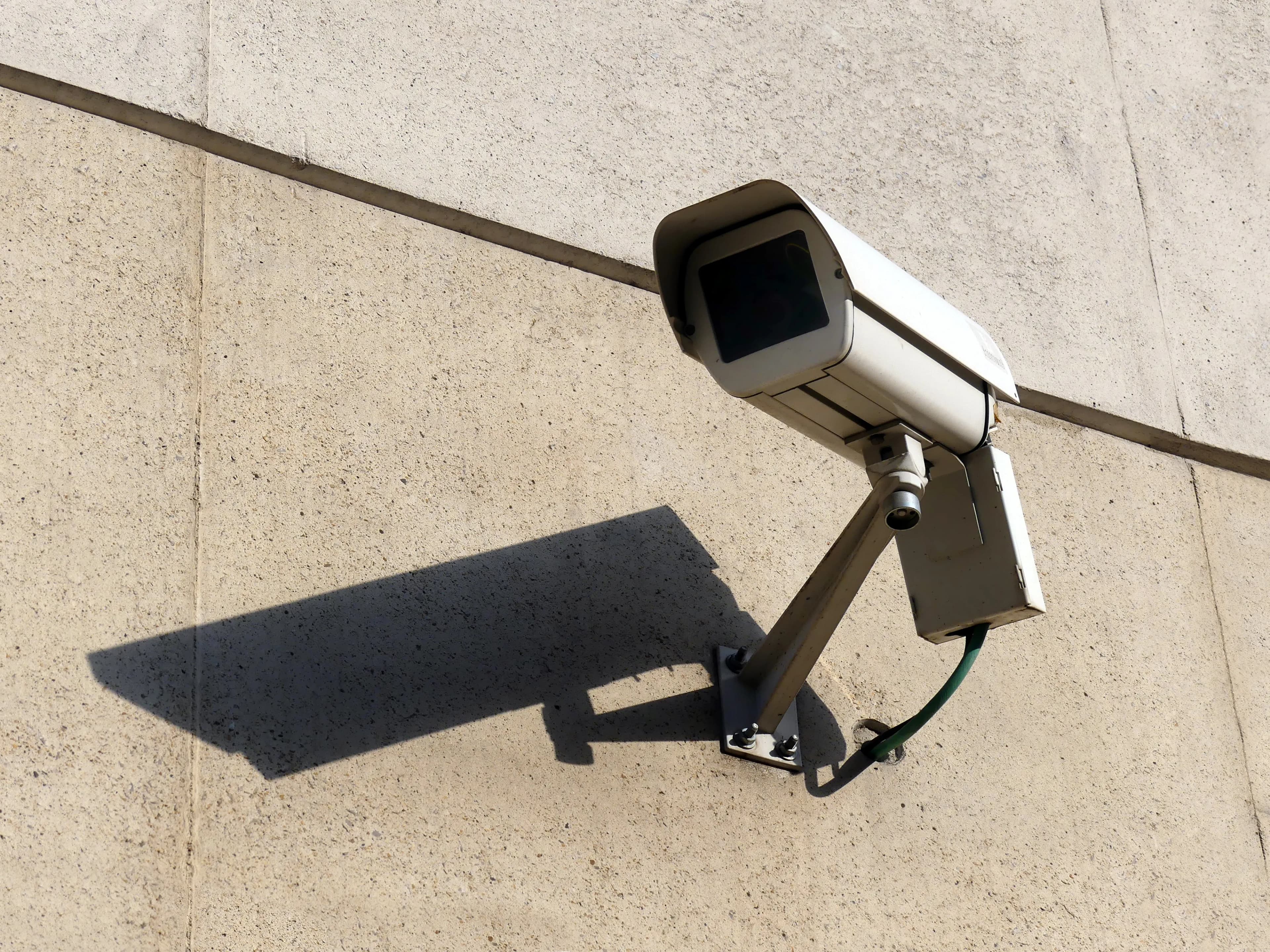
What matters in practice:
- If it will be rained on, dusted or baked, buy outdoor-rated — when in doubt, outdoor works indoors too.
- An IP rating is only the start — sealed cable entries, a drip loop and a bracket out of reach finish the job.
- Never point cameras at bedrooms, bathrooms or neighbours' windows — and tell staff and customers where you record.
A camera that suits the living room won't survive a rainy gate post. Choosing the wrong type is one of the most common mistakes, and the result is a camera that fails in the first wet season or the first dusty month.
The short answer
If it will be rained on, dusted or baked by the sun, buy an outdoor-rated camera. Use indoor cameras only indoors. If in doubt, buy outdoor-rated.
What the weather rating means
Outdoor cameras carry an "IP" rating, such as IP65 or IP66. The first digit shows protection against dust, and the second shows protection against water. Higher numbers mean better protection. Look for the rating on the box or spec sheet. A camera with no rating should stay indoors.
| Rating | Rough meaning |
|---|---|
| IP65 | Dust-tight and protected against water jets, common for outdoor cameras |
| IP66 | Dust-tight and protected against powerful water jets |
| IP67 | Dust-tight and can survive short immersion |
| No rating | Indoor use only |
Outdoor camera checklist
- A weather rating suited to rain and dust
- A housing that handles heat and direct sun
- A protected power connection
- A bracket that is hard to remove
- Night vision with enough range for the spot
- A temperature range that suits your climate
Indoor camera checklist
- Smaller and cheaper
- Good for shops, stores, hallways and living areas
- Often includes two-way audio and privacy modes
- Not suited to damp, dusty or hot spaces such as garages, barns and kitchens
Placement tips
- Mount at about 2.5 to 3 metres, angled down
- Avoid pointing into direct sun or bright lights
- Keep the camera out of easy reach
- Keep lenses clear of dust, cobwebs, plants and paint
- Don't mount a camera behind glass at night. Infrared reflects off the glass and ruins the picture
- Allow for the sun's position through the day and the year
Protecting the power connection
Outdoor power is the weak link. Use weatherproof connectors or a waterproof junction box, keep sockets under cover, and loop the cable down before it goes into the camera so water drips off instead of running in.
Privacy: don't skip this
- Never point cameras at bedrooms, bathrooms or neighbours' windows
- In shops and workplaces, tell staff and customers they are being recorded, with a visible sign
- Check your local rules on recording and storing footage, especially audio
- Use privacy masks in the app to block areas you shouldn't record
Common mistakes
- Buying an indoor camera and putting it under a roof overhang, "because it's covered"
- Mounting low where it can be reached or knocked
- Pointing straight into a street light or the setting sun
- Leaving cables hanging where water can run into the camera
Frequently asked questions
Can I use an outdoor camera indoors? Yes. It is just larger and sometimes costs more.
Is a covered porch safe for an indoor camera? Dust, humidity and temperature swings can still damage it. Outdoor-rated is safer.
Can I put a camera in a window? It can work, but infrared night vision reflects off glass. Mount outside the glass for night use.
Our advice
If in doubt, buy outdoor-rated. It handles indoor use too, and lasts much longer outside.
Related reading
- Wireless Cameras for Your Home
- Night Vision Explained: Infrared vs Colour, and What You'll Actually See
- Security Cameras and the Law: Privacy Basics for Homes, Farms and Businesses
Next steps
Backspace Business Solutions specifies outdoor-rated cameras and weatherproof power for gates, yards and shop fronts across Uganda, including the drip loop most people discover after the first storm.
Message us on WhatsApp or request a free site assessment if you would like us to check ratings and power routes before you buy.
Frequently Asked Questions
How many cameras do I need for my business premises?▼
What is the difference between IP and analog CCTV systems?▼
How long is CCTV footage typically stored?▼
Can I access my CCTV cameras remotely?▼
What resolution should I choose for my security cameras?▼
Continue reading
More articles in CCTV & Surveillance →Not sure which of this applies to you?
Reading about a problem is not the same as knowing what yours actually is. The Solution Advisor asks a few questions about your environment and gives you a preliminary technical interpretation — what to check first, and what can probably wait.
Follow Backspace
Field notes from live projects in Kampala and beyond — new guides, failure post-mortems and pricing updates. Pick the channel you use.


