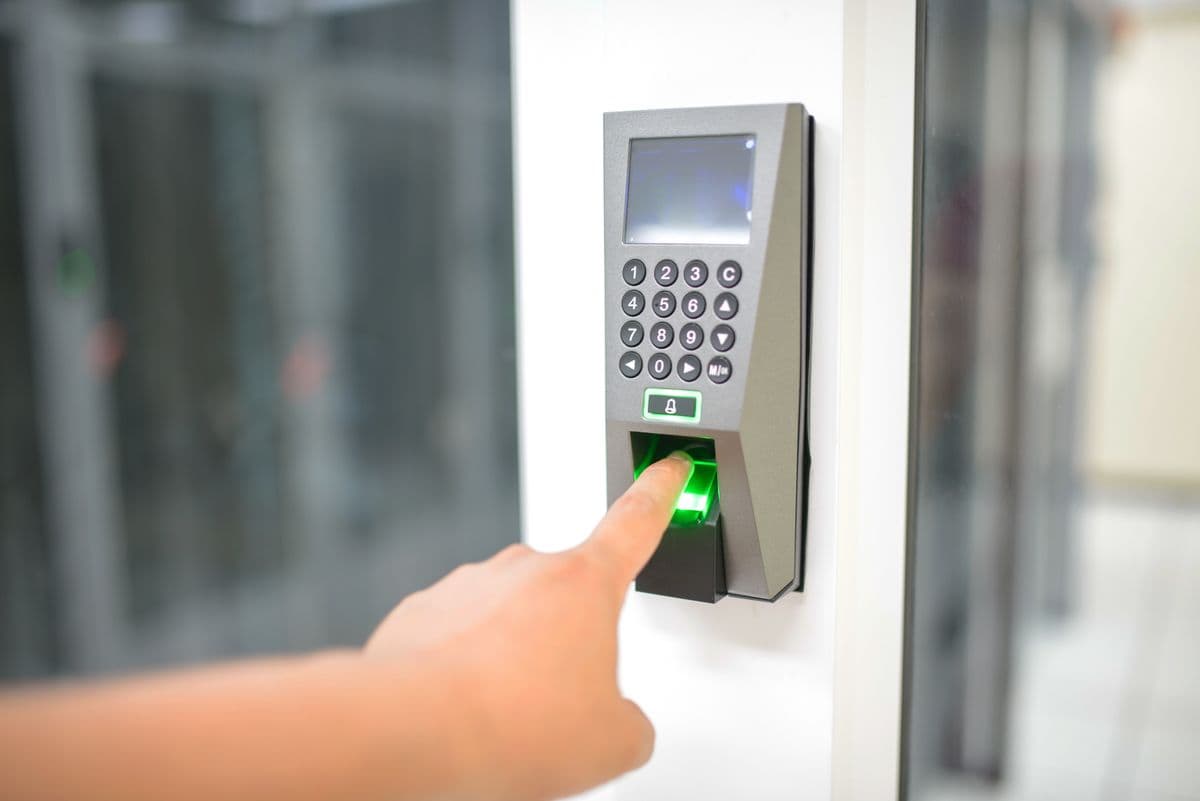
Access Control Systems in Kampala: Complete Guide
Complete guide to access control systems in Kampala. Explore types, Hikvision and Dahua hardware, and installation for Ugandan businesses.
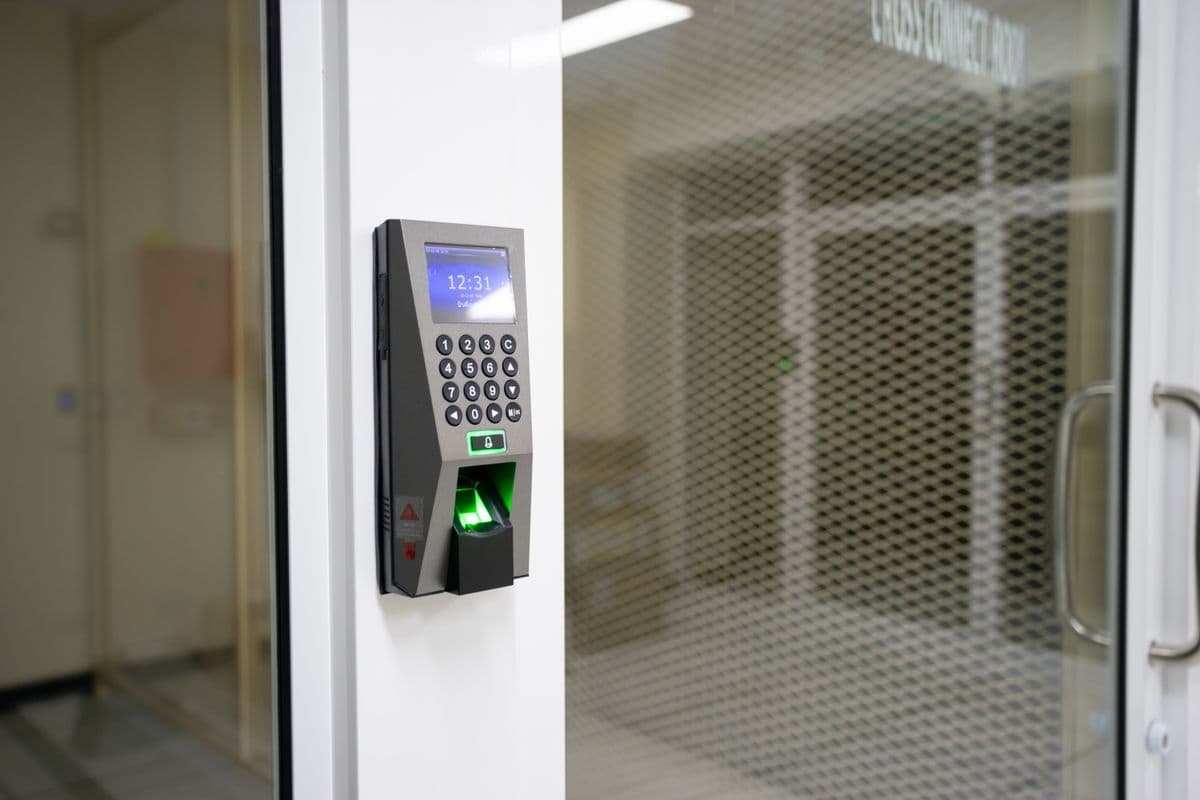
What to specify:
- Access control eliminates key management and provides tamper-proof audit trails for regulatory compliance across Uganda.
- Biometric systems deliver the highest security with FAR below 0.001% and cannot be shared, lost, or stolen like traditional credentials.
- Modern access control extends beyond locking doors — it delivers audit trails, payroll integration, and emergency lockdown capabilities.
- Professional site surveys ensure optimal hardware selection — contact Request Free Site Survey for a tailored assessment.
Access control systems are essential for businesses in Kampala that need to secure premises, track employee access, and maintain detailed entry/exit records. Whether you manage a small office in Nakasero, a commercial building in Nakawa, or an industrial facility in Namanve, the right access control system delivers security, convenience, and accountability.
This guide covers technology options, hardware specifications, and provider selection for the Ugandan market.
Types of Access Control Systems
Card-Based Systems
Traditional RFID and proximity card systems use 125 kHz or 13.56 MHz credentials to grant access. Users present a card to a reader, and the system verifies the credential before unlocking the door.
Hikvision DS-K1102IK and Hikvision DS-K1107MK are cost-effective card readers widely deployed in Kampala. Cards are inexpensive to issue and replace. However, cards can be lost, stolen, or shared between employees, creating security vulnerabilities.
- Best for: Low-security areas, visitor access, parking control
PIN-Based Systems
PIN-based systems require users to enter a personal identification number on a keypad. This eliminates physical tokens and allows easy code changes when employees leave or credentials are compromised.
Primary risks include code sharing and shoulder surfing. Consider PIN-based systems for low-security areas or as a secondary authentication method alongside biometrics.
- Best for: Low-security areas, secondary authentication method
Biometric Systems
Biometric access control uses unique physical characteristics to verify identity. Modern readers deliver False Acceptance Rates (FAR) below 0.001% and False Rejection Rates (FRR) below 1%.
| Technology | FAR | FRR | Speed |
|---|---|---|---|
| Fingerprint | <0.001% | <1% | 1-2 sec |
| Facial Recognition | <0.001% | <0.5% | <0.5 sec |
| Iris Scanner | <0.0001% | <0.1% | 2-3 sec |
| Palm Vein | <0.0001% | <0.1% | 1-2 sec |
Hikvision DS-K1T502DBFW-C fingerprint readers and Dahua ASI32 facial recognition terminals are proven deployments in Ugandan commercial environments. Biometric credentials cannot be shared or duplicated, providing the strongest access control available.
- Best for: Server rooms, executive offices, high-security zones
Mobile-Based Systems
Mobile credentials use Bluetooth Low Energy (BLE) or NFC to communicate between a smartphone app and the reader. This eliminates physical tokens and simplifies management through centralized software.
Main limitations include smartphone dependency and device battery life.
Components of an Access Control System
Readers and Controllers
Standalone controllers manage individual doors independently, suitable for small installations. Networked controllers (such as Hikvision DS-K2602T) provide centralized management across multiple doors. Cloud-based controllers enable remote management via the internet.
For Networks & Infrastructure, networked controllers require Cat6 cabling and managed PoE switches for reliable communication. Controllers should be housed in climate-controlled enclosures to protect against dust and temperature extremes.
Locking Mechanisms
| Lock Type | Best For | Power | Holding Force |
|---|---|---|---|
| Electromagnetic (maglock) | Most commercial doors | 12V/24V DC | 600-1200 lbs |
| Electric strike | Wooden doors, offices | 12V DC | 800-1000 lbs |
| Electronic deadbolt | High-security doors | 12V DC | 1500+ lbs |
| Electric rim lock | Glass doors, metal frames | 12V DC | 600-800 lbs |
Maglocks are the most common choice for commercial installations in Kampala. They are reliable, work with most door types, and fail-safe design meets fire safety requirements — doors unlock automatically during power outages for emergency egress.
Management Software
Management software handles user configuration, access levels, schedules, real-time monitoring, and audit reporting. Modern platforms provide web-based interfaces accessible from anywhere. Integration with HR and payroll systems automates attendance tracking.
Features include:
- Time-based access schedules — restrict cleaners to specific hours, allow executives 24/7 access
- Visitor management — pre-register visitors, issue temporary credentials, track duration
- Mustering — real-time headcount during emergencies
- Anti-passback — prevents credential sharing by requiring a valid exit before re-entry
- Integration — connect with CCTV, time and attendance, and building management systems
Benefits of Access Control
Enhanced Security
Access control restricts entry to authorized personnel only:
- Audit trails: Complete records of every access attempt with timestamp
- Instant revocation: Remove access immediately when employees leave
- Real-time alerts: Notification of unauthorized access attempts
- Anti-passback: Prevents users from passing credentials to others
Improved Management
- No physical keys: Eliminate the burden of managing physical keys
- Remote management: Modify access levels through software
- Automated scheduling: Set access times for different user groups
- System integration: Connect with HR and payroll systems
Increased Safety
- Emergency lockdown: Secure the building instantly during critical situations
- Evacuation tracking: Know who is in the building during emergencies
- Fire alarm integration: Ensure access control does not impede evacuation
- Panic buttons: Silent alarm capabilities for emergency situations
Professional Image
Access control systems project a professional image for your business. Visitors and clients notice modern security systems. This perception supports your business reputation and can influence client confidence — particularly important for financial services, legal firms, and technology companies.
Return on Investment
Access control provides ROI through:
- Reduced theft: Better security reduces losses
- Lower insurance premiums: Security systems can reduce insurance costs
- Improved productivity: Employees feel safer and more focused
- Compliance: Help meet NITA-U and regulatory requirements
The Installation Process
Step 1: Site Survey
A thorough site survey assesses all entry points, identifies security requirements, plans cable routes, and designs system architecture. The assessment considers:
- Door types — solid wood, hollow core, glass, metal, sliding
- Building materials — concrete walls affect cable routing, hollow walls affect mounting
- Power availability — proximity to electrical circuits, surge protection needs
- Network connectivity — PoE switch locations, cable run distances (Cat6 max: 100m)
This step is critical for avoiding costly changes during installation.
Step 2: System Design
Select appropriate technology for each location. Plan reader placement for user convenience and security. Design controller locations for reliable communication. Create detailed wiring diagrams.
Step 3: Physical Installation
Mount readers and locks. Run Cat6 cables and make connections. Install controllers in secure locations. Configure software settings and access levels. Wiring is routed through conduit or concealed within walls for a professional appearance. All connections are weatherproofed at outdoor locations.
Step 4: Configuration and Testing
Create user accounts, set access levels and schedules, and test every door to ensure proper operation. Backup access methods — PIN codes or manual overrides — are configured for power outages and system failures. Thorough testing identifies and resolves issues before go-live.
Step 5: Training and Handover
Train administrators on system management. Provide documentation and user guides. Establish support procedures for future changes and issue reporting.
Choosing an Access Control Provider in Kampala
Experience and Certifications
Choose an installer with specific experience in access control systems. Look for certifications from equipment manufacturers — Hikvision, Dahua, ZKTeco, or Suprema. Request examples of previous installations and contact those clients for references.
Product Range and Brand Flexibility
An installer who works with multiple brands can recommend the best solution for your needs rather than pushing a single product. Access to multiple manufacturers ensures competitive pricing and avoids dependence on a single supplier.
Support, Maintenance, and Warranty
Access control systems require ongoing support. Choose an installer who offers maintenance agreements with guaranteed response times. Verify that the installer provides warranties on both equipment and workmanship — manufacturer warranties cover equipment defects, while workmanship warranties cover installation quality.
- 24/7 technical support
- Emergency repair services
- Remote troubleshooting
- User training and system upgrades
Maintenance and Long-Term Success
Access control systems require regular maintenance to remain reliable:
- Monthly: Visual inspection of readers and locks
- Quarterly: Software updates, user management review
- Annually: Comprehensive system audit and testing
- As needed: Biometric template updates, firmware upgrades
A professional maintenance agreement ensures these tasks are performed consistently, extending system lifespan and maintaining security integrity.
Next Steps
Backspace Business Solutions installs access control systems for businesses across Uganda. Our certified technicians design and deploy Hikvision, Dahua, and Suprema solutions tailored to your specific security requirements.
Request a Free Site Survey to receive a customized access control proposal for your Kampala premises.
Frequently Asked Questions
What biometric technologies are available for access control?▼
How accurate are biometric access control systems?▼
Can biometric access control integrate with existing security systems?▼
What happens if a biometric reader fails?▼
Are biometric systems compliant with privacy regulations?▼
Continue reading
More articles in Biometric Access Control →