Campus-Wide Wireless
01
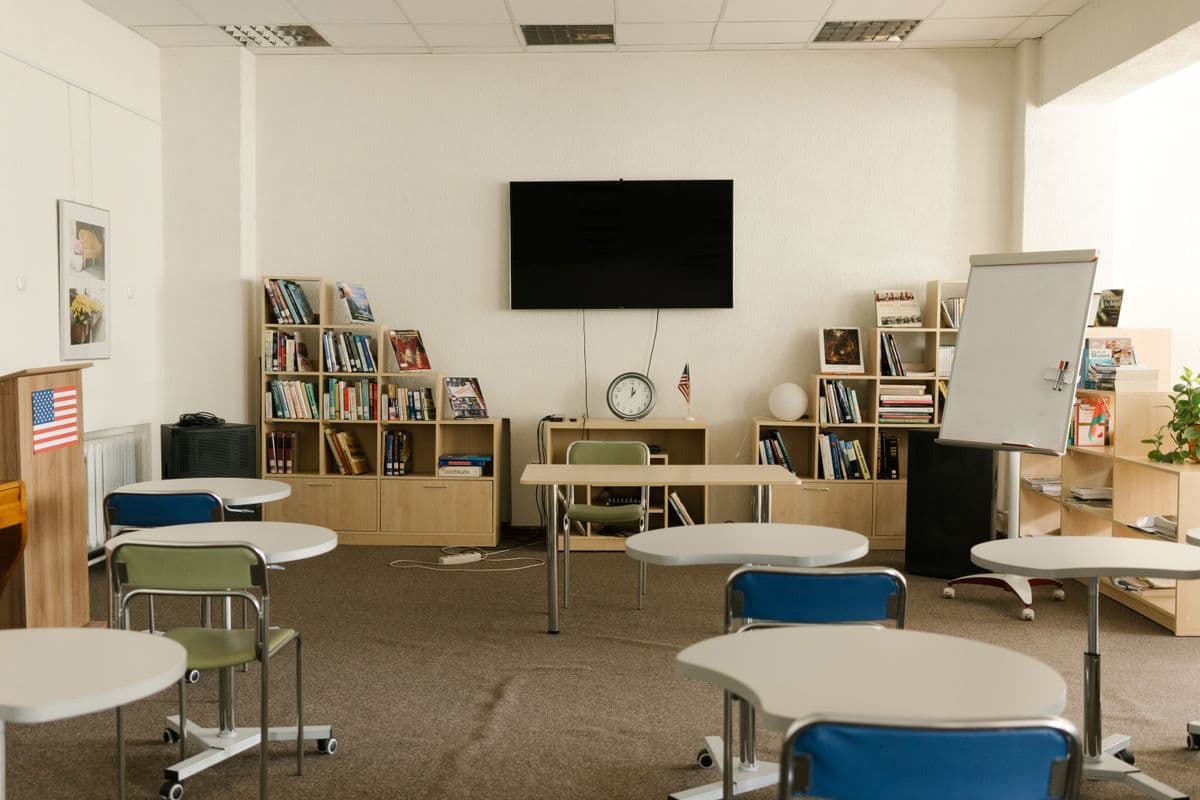
High-Density Campus Wi-Fi
Enterprise Wi-Fi 6 covering every classroom, library, hostel, and administration block — with student/staff VLAN separation, captive portal, and bandwidth management.
Explore solutionEducation & Campus IT Infrastructure
Campus Wi-Fi, structured cabling, CCTV security, cloud platforms, and power protection — engineered for Uganda's schools, universities, and vocational institutions.
Campus Technology Stack
05 tiles
Reliable connectivity, campus-wide security, cloud learning, and power continuity — all designed and managed by one engineering team.
Campus-Wide Wireless
01
Enterprise Wi-Fi 6 covering every classroom, library, hostel, and administration block — with student/staff VLAN separation, captive portal, and bandwidth management.
Explore solutionCampus Security
02

IP cameras covering corridors, classrooms, parking, and perimeters with AI intrusion detection, NVR recording, and remote viewing for school administrators.
Explore solutionPhysical Backbone
03

Cat6/Cat6a cabling to every classroom and lab, with single-mode fiber inter-building backbones and a fully organized server room with patch panels.
Explore solutionPower Continuity
04

Online UPS for server rooms and computer labs ensuring teaching continues through Uganda grid outages — with surge protection at every distribution board.
Explore solutionSchool Management
05

Integrate Orca school transport and attendance management with Google Workspace for Education — digital learning, cloud storage, and real-time parent communication.
Explore solutionCertified performance
Tested on handover
Benchmarks that matter for school administrators and ICT coordinators.
Device Density
Access point count is set by a survey of your real device load.
CCTV Footage Retention
RAID-protected NVR with secure remote access for administration.
Your Service Agreement
On-site response times for critical incidents are agreed before handover.
Field-Certified
Each drop tested for NEXT, return loss, and attenuation before handover.
Enterprise Campus Wireless
Specified, installed, proven
Enterprise Campus Wireless
FIG. 01

Enterprise Campus Wireless
Campus wireless is fundamentally different from office Wi-Fi — hundreds of students connecting simultaneously from classrooms, hostels, and outdoor spaces. We design with predictive heatmapping, so every learning space is covered before a single AP is installed.
School Management Platform
Specified, installed, proven
School Management Platform
FIG. 01
School Management Platform
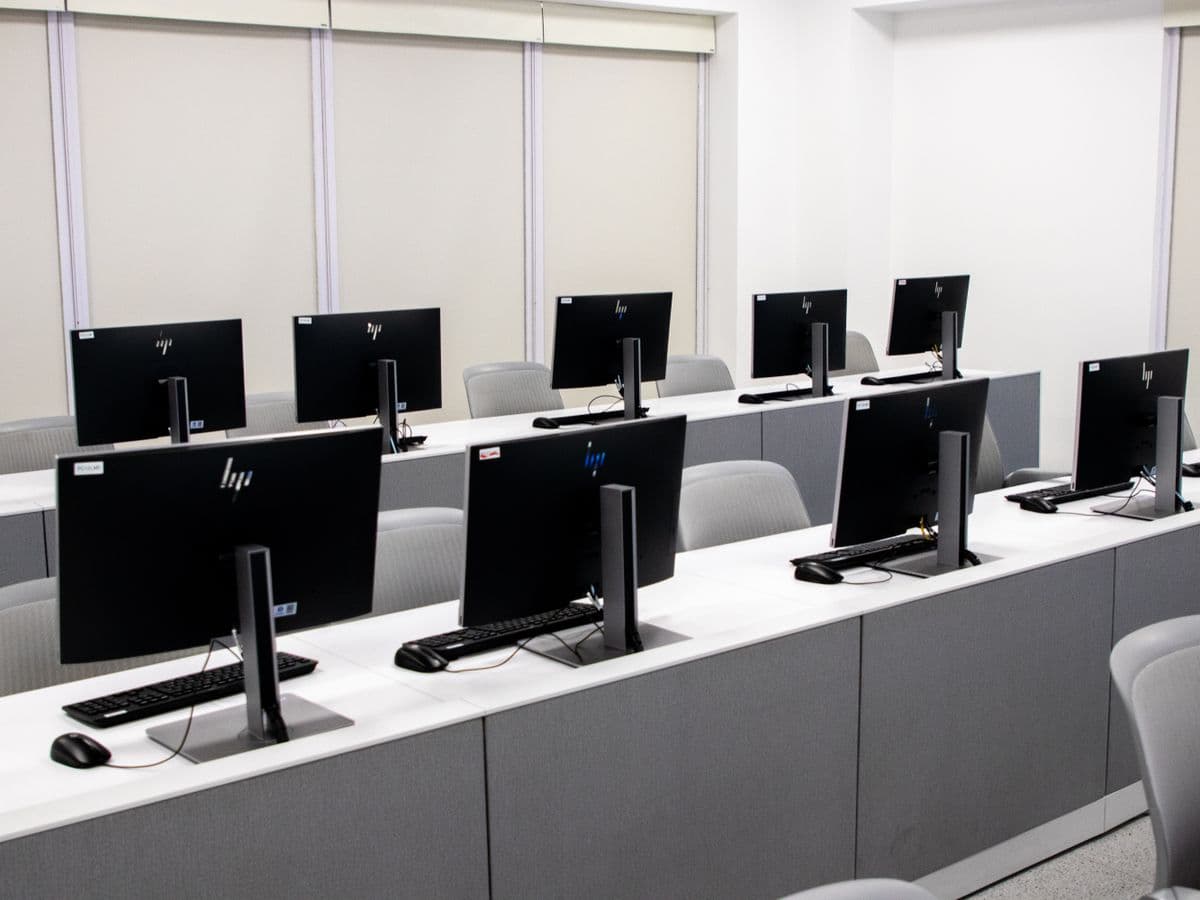
Orca is Backspace's proprietary school transport and attendance management platform — purpose-built for Uganda's schools. Parents see exactly where their child is. Administrators manage pickups digitally. Staff communication stays on one secure channel.
Clarity & Answers
FAQ
Campus-Specific Design
Don't Skip Power Protection
The equipment list comes last. We assess coverage, density, load and your existing network first — then specify what the environment actually needs. From there we deploy, test and support it.
We audit your current environment, risks, and requirements.
We engineer a solution architecture tailored to your needs.
We source and deliver the right hardware and software.
Our engineers deploy the system with minimal disruption.
We optimize settings, policies, and integrations.
We connect everything to work as one unified system.
Every link, camera, and failover is proven before handover. You get the results.
Ongoing maintenance, monitoring, and local helpdesk.
Ready to Start?
Free on-site assessment — campus Wi-Fi survey, cabling evaluation, and a written infrastructure plan tailored to your institution.